AI Music Generator|
Describe an idea, pick a style, and get a full song in minutes. Download, share, or remix — completely royalty-free.
Hear what people are making
Real songs from the community. Pick one: the record comes out and plays.

Make one now
Describe the song. Pick a style if you like. Listen in a couple of minutes.
Everything you need, in one place
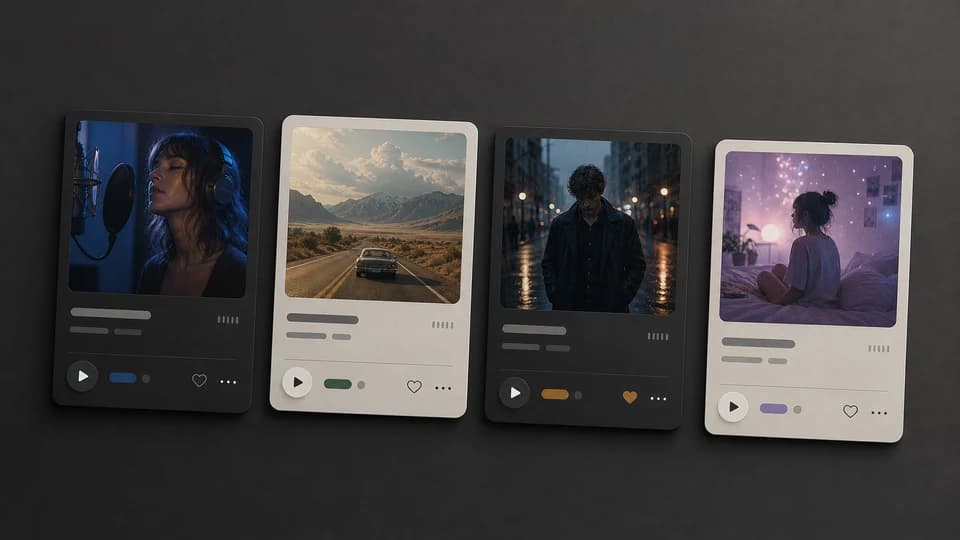
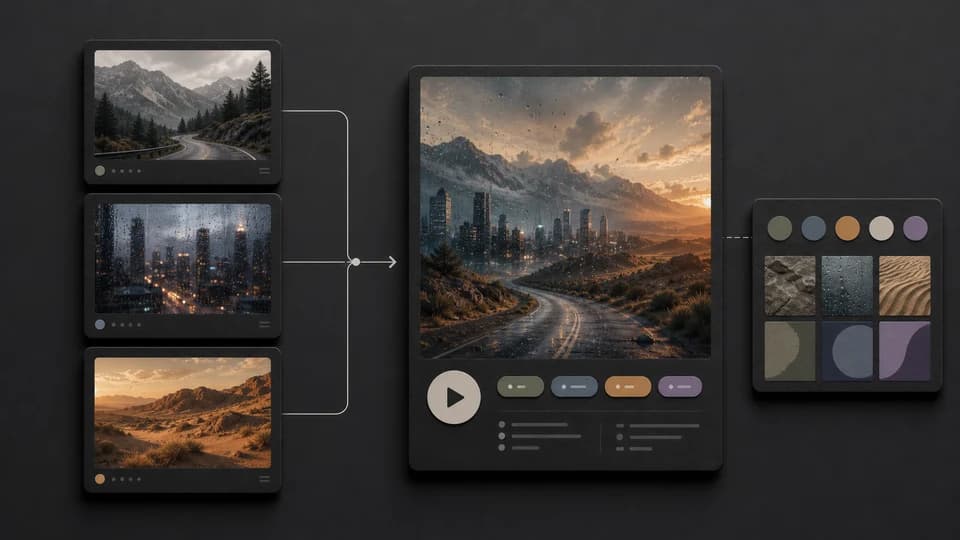
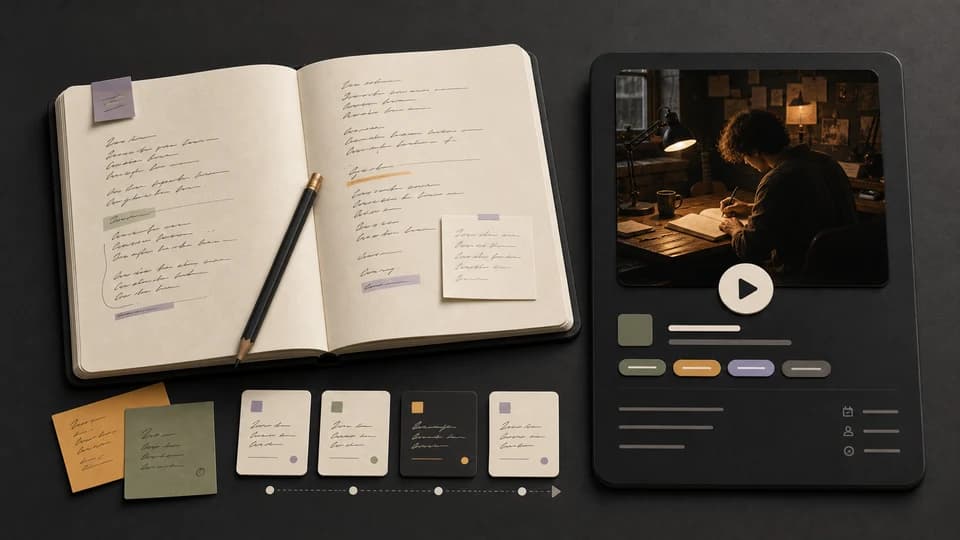
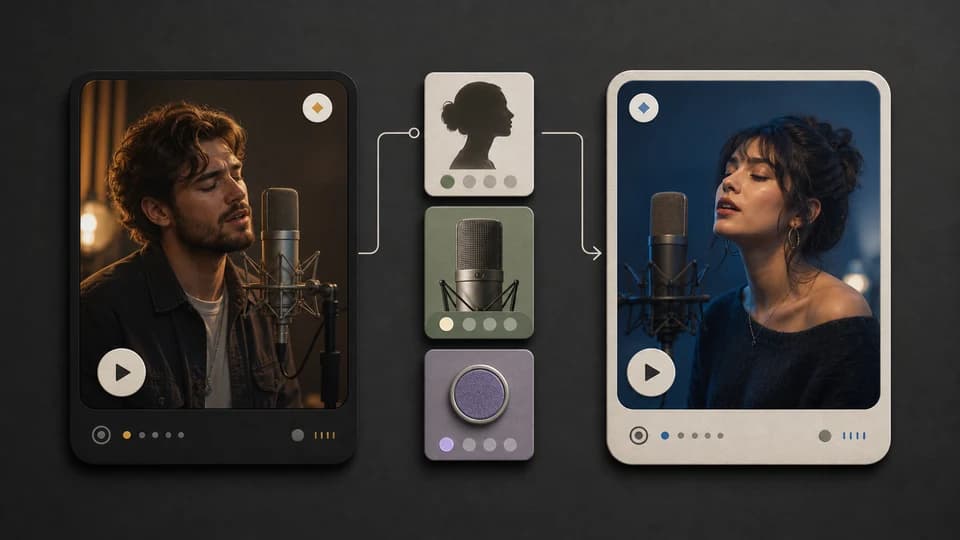
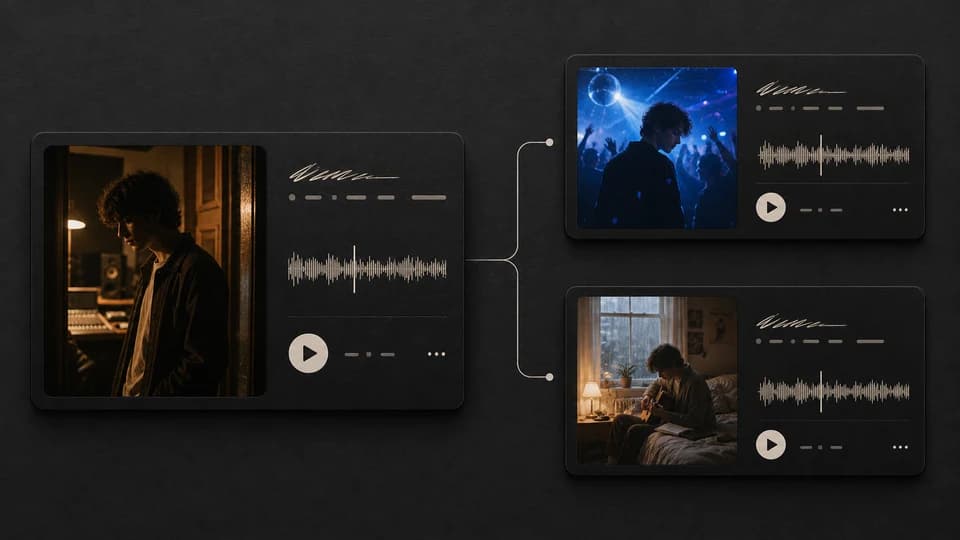
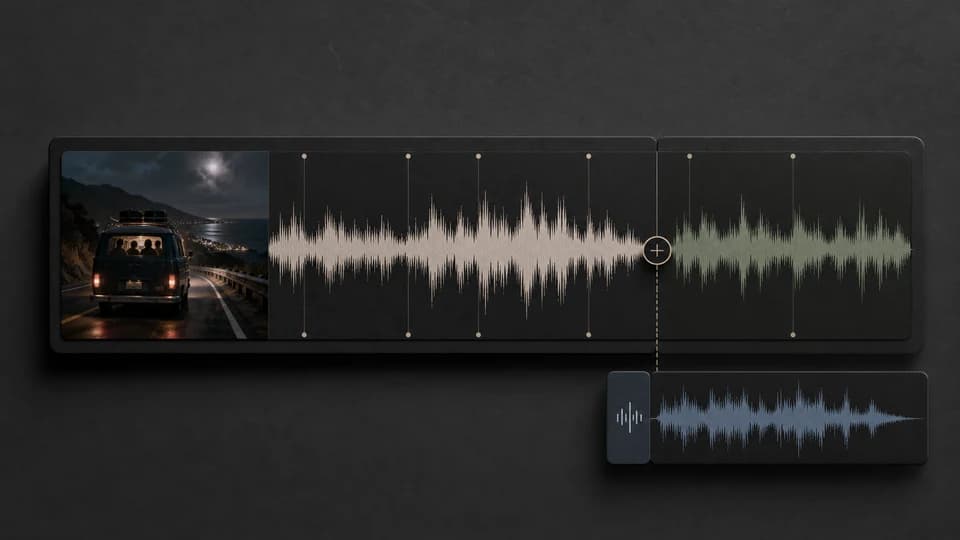
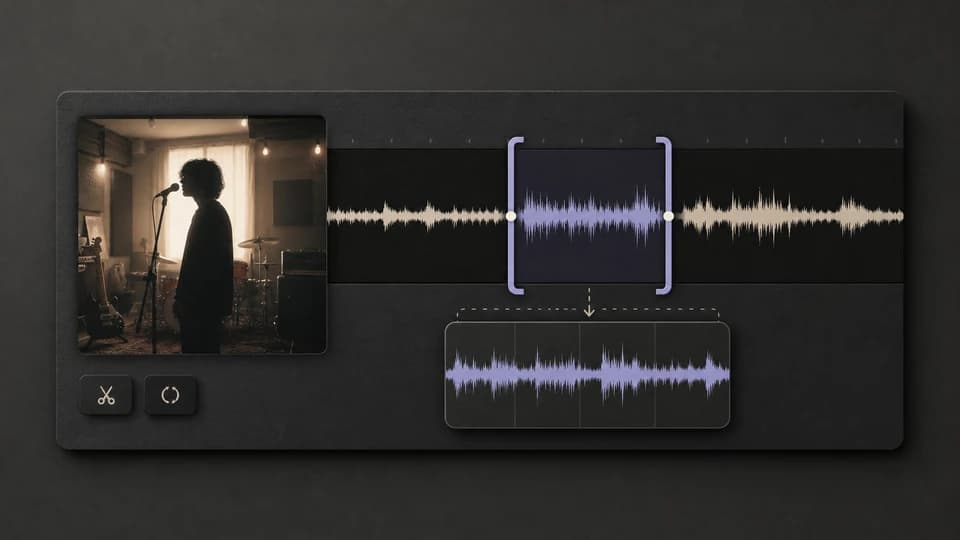
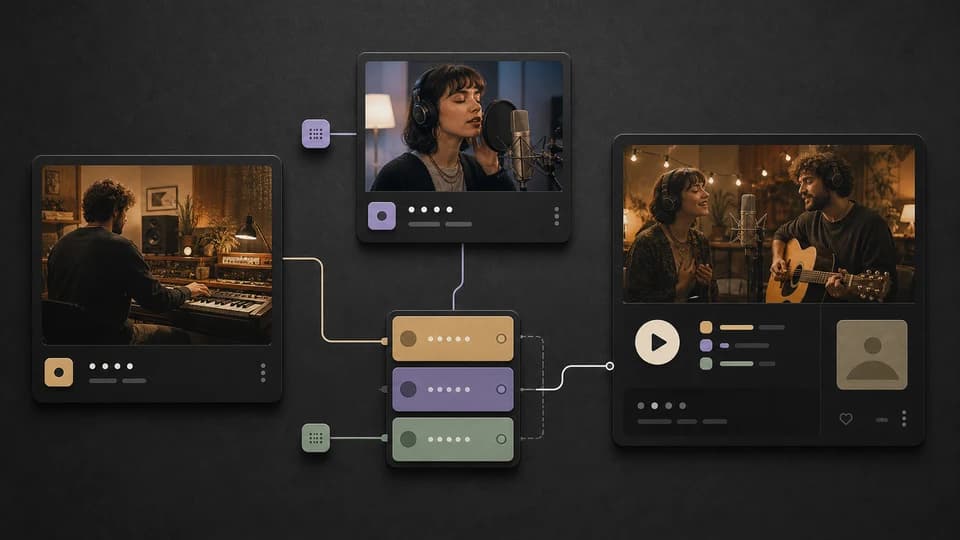
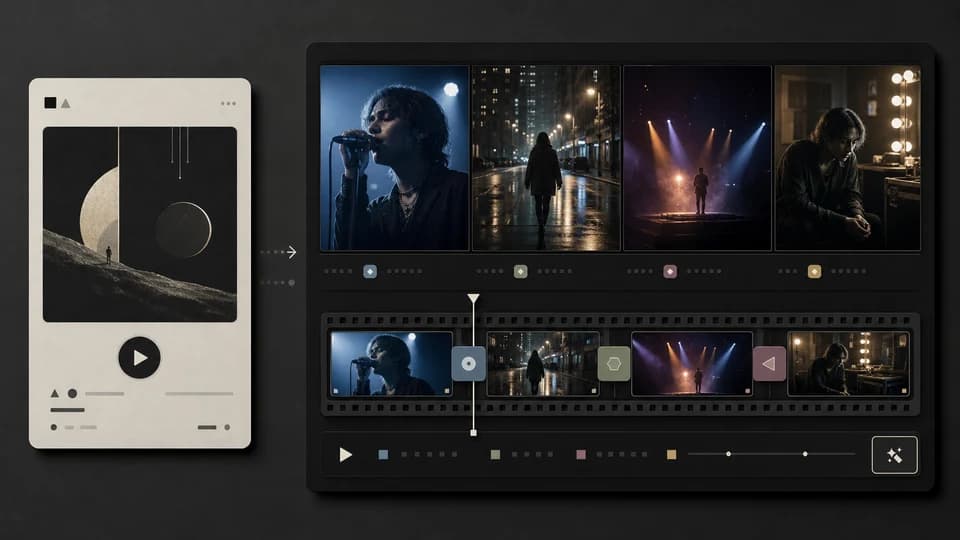
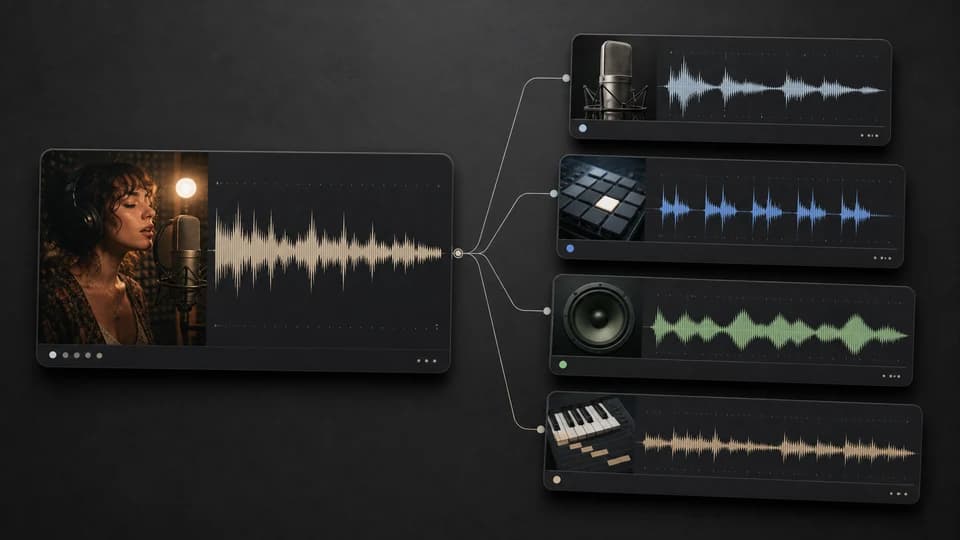
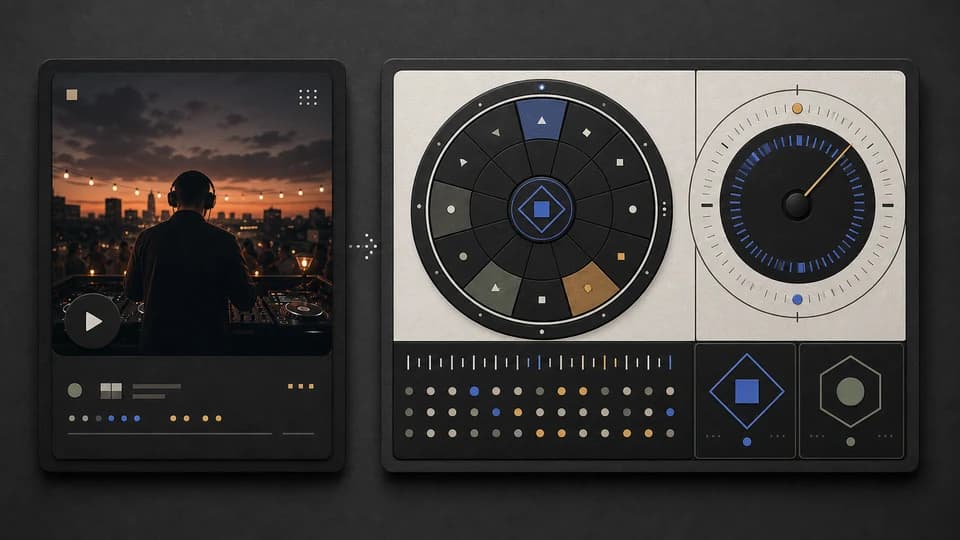
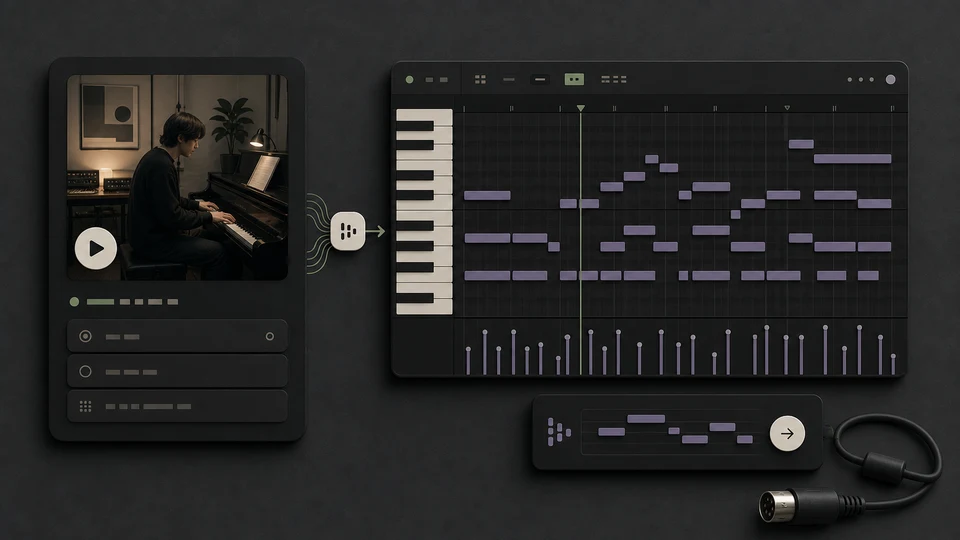
Generate songs, split stems, swap voices, write lyrics — no switching between tools.
Who it's for
Whether you make music for a living or just for fun — MusicWave fits your workflow.
Musicians & Producers
Sketch out ideas quickly. Export stems to your DAW when you want full control over the mix.
Content Creators
Need music for a video, stream, or podcast? Pick a style, set the length, and download — no licensing headaches.
Teams & Studios
Create themes, background music, or demo tracks for projects. Keep things consistent and on schedule.
Brands & Marketers
Make original audio for ads, social content, and brand channels. Own the rights, use it everywhere.
Also great for personal projects — just hit create.
Music for whatever you’re making
Simple, transparent pricing
Start free. Upgrade when you need more.
Free
Try it out — no card required.
- 20 free credits on signup
- Up to 2 song generations
- Free model access: Wave 4.5-all, Minimax 2.0, and Mureka 8
- Unlimited AI lyrics generator
- Unlimited BPM and Key checks
- Streaming only — no downloads
- Personal use only
No credit card required
Starter
Perfect for creation, image-to-song, and song extension.
Save 40%
All 7 model families


Wave 5.5 · ElevenLabs Music · Lyria 3 Pro · MiniMax 2.6 · Mureka 9 · Stable Audio 2.5 · MusicGen
- 1,000 credits per month (~100 songs)
- All models: Wave 5.5, Minimax 2.6, Wave 5, Wave 4.5+, Wave 4, Wave 4.5-all, Minimax 2.0, and MusicGen
- AI Cover Song Generator 🎤
- Image to Song
- Extend songs
- Full-length songs (up to 8 minutes)
- Stem splitter
- Unlimited BPM/Key checks
- Unlimited AI lyrics generator
- Higher hourly generation limit
- Unlimited song downloads
- Multi-language support
- Cloud storage
- Personal use only
Cancel anytime · No lock-inUnused subscription credits expire at renewal or when the billing interval changes.
Pro
Best for commercial releases and advanced song editing.
Save 40%
All 7 model families
Wave 5.5 · ElevenLabs Music · Lyria 3 Pro · MiniMax 2.6 · Mureka 9 · Stable Audio 2.5 · MusicGen
- 3,000 credits per month (~300 songs)
- Everything in Starter
- MP3 & WAV downloads (WAV for Wave models)
- Remix songs
- Replace song sections
- Add vocals to instrumentals
- Audio Mastering
- MIDI Editor
- Even higher hourly generation limit
- Priority generation queue
- Commercial license
- Downloadable license PDF
Cancel anytime · No lock-inUnused subscription credits expire at renewal or when the billing interval changes.
Creator
For power users working across MIDI, video, and high-volume output.
Save 40%
All 7 model families
Wave 5.5 · ElevenLabs Music · Lyria 3 Pro · MiniMax 2.6 · Mureka 9 · Stable Audio 2.5 · MusicGen
- 7,500 credits per month (~750 songs)
- Everything in Pro
- MP3 & WAV downloads (WAV for Wave models)
- Voice Personas
- Audio to MIDI
- AI Music Videos
- Our highest hourly generation limit
- Access to beta features
- Priority email support
Cancel anytime · No lock-inUnused subscription credits expire at renewal or when the billing interval changes.

What people are saying
How artists, producers, and content creators use MusicWave in their work.

“Hummed a rough idea into my phone, ran it through, and had something I could actually send to my team. Way faster than I expected.”
- Alex Rivera, Indie label owner

“Typed in lyrics I'd been sitting on for weeks. The demo got me unstuck — rewrote half the verse after hearing it back.”
- Stephanie Morales, Singer-songwriter

“I generate a few mood sketches, pull the closest one into Logic, and rebuild from there. Beats staring at an empty session.”
- Daniel Ortiz, Film composer

“Replaced most of our stock music licensing. My editor generates something that fits the cut instead of scrolling Artlist for an hour.”
- Andre Lewis, Creative director

“I don't know music theory. I just type a feeling like 'rainy day, kind of nostalgic' and get something I can actually hum along to.”
- Pamela Irons, Hobbyist songwriter

“I describe the vibe for my travel reels and usually get something usable in a couple tries. Fits way better than stock music.”
- Fernando Silva, Travel content creator

“Started generating backing tracks in genres my students actually listen to. They complain less about practice now, so that's something.”
- Yuki Tanaka, Music teacher

“Made a jazzy podcast intro in about ten minutes. It's simple but it doesn't sound like every other tech podcast anymore.”
- Zoe King, Podcast host
FAQs
Answers to common questions about creating with MusicWave.
What is MusicWave?+
MusicWave is an AI music tool. You describe what you want, and it creates a full song — lyrics, melody, and instruments. You can also split stems, swap voices, and write lyrics.
Can I use the music commercially?+
On paid plans you keep commercial rights to the songs you create. Check the pricing page for plan details.
Do I need music theory or DAW experience?+
No. You can start with plain‑language prompts. If you use a DAW, you can export stems to mix like you normally do.
What formats do you support?+
You can upload common audio formats (like MP3 and WAV) and export full mixes or separated stems, depending on the tool.
Do you have a mobile app?+
We're focused on the web experience right now. Your account and projects sync across devices in the browser.
What makes MusicWave different from other AI music tools?+
Most tools only generate music. MusicWave also lets you split stems, change voices, write lyrics, and export — so you can do more without switching apps.
What are the limits on the free plan?+
You get 20 free credits when you sign up (enough for 2 songs) with the basic AI model. Paid plans give you more credits, better models, and commercial rights.
How do credits and usage work?+
Each song or tool use costs credits. Subscription allowances reset at renewal and do not roll over. On annual plans, credits arrive as monthly installments (1/12 of the yearly allowance each month) and unused installments stay available all year until the annual renewal. If your subscription ends, unused subscription credits pause for 90 days and are restored if you resubscribe during that window. Separately purchased credits are unaffected.
Can I cancel anytime?+
Yes. Manage your plan from Settings → Billing. Your plan and credits remain active through the paid-through date. After that, unused subscription credits pause for 90 days so you can restore them by resubscribing.
Who owns the data I upload?+
You own your uploads and outputs, subject to your plan's license. We do not sell your data. See our Privacy Policy for details.
Do you offer team or classroom plans?+
Yes—contact us for multi‑seat, classroom, or studio pricing with centralized billing and workspace roles.
What will you create today?
Start free — no credit card needed.